
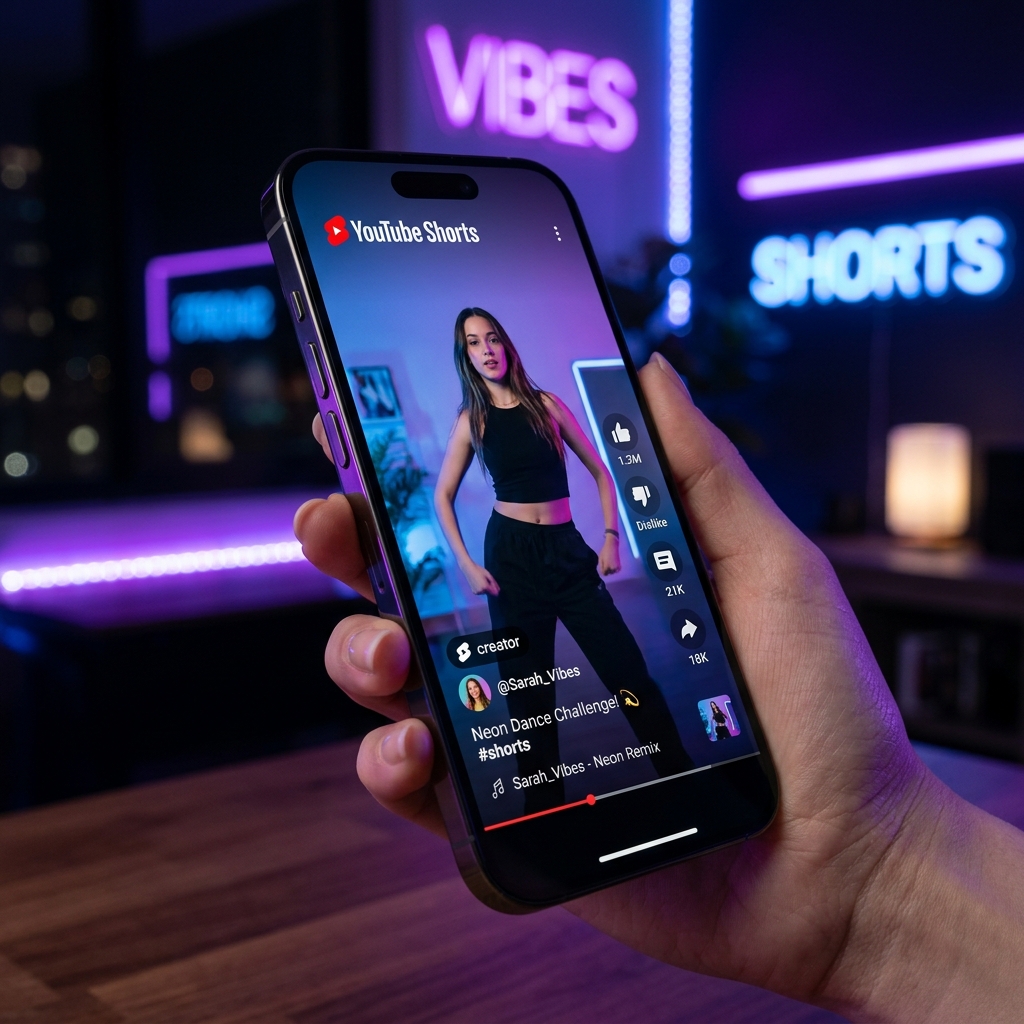
YouTube Shorts have taken over the internet, and sometimes you want to save a hilarious or informative Short to your camera roll without the YouTube watermark. Here's how to do it in three simple steps.
Step 1: Copy the Link
Open the YouTube app and navigate to the Short you want to download. Tap the Share button (the arrow icon) on the right side of the screen, and select Copy Link.
Step 2: Paste the Link
Open your browser (Safari on iPhone, Chrome on Android) and go to the VidsGrab YouTube Downloader. Paste the copied link into the search box.
Step 3: Download
Click the download button. You will be presented with a list of formats. Since Shorts are vertical, they are usually in 1080x1920 resolution. Click the 1080p MP4 option, and the video will instantly save to your device.
That's it! No apps to install, no sketchy ads, and absolutely free.